Browser frames
A browser frame mockup generator for your screenshots.
Wrap a website screenshot in a clean browser frame with a color-matched background and the right size. Try it with no signup, and it runs in your browser.
No signup to try · runs in your browser · Pro removes the watermark
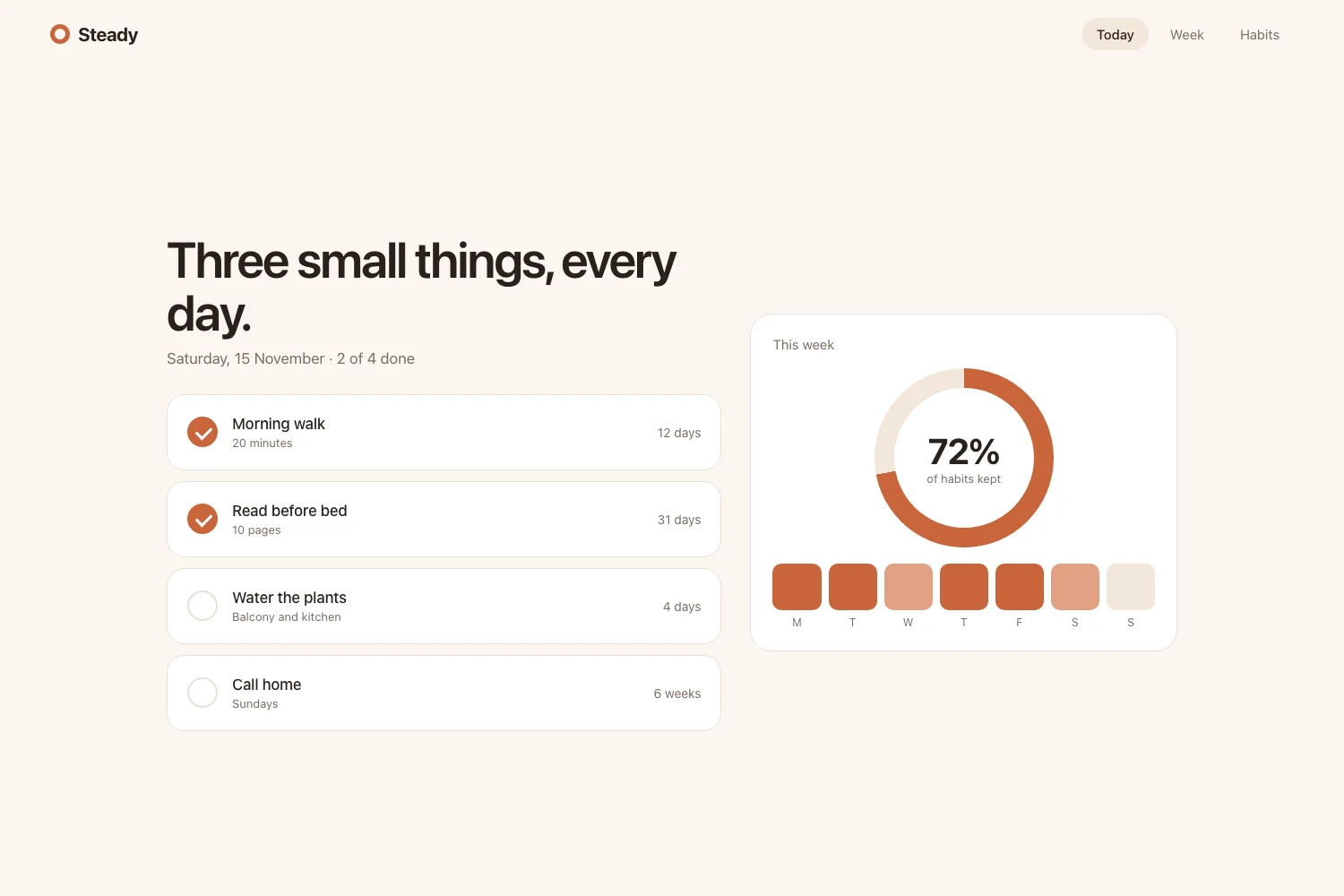
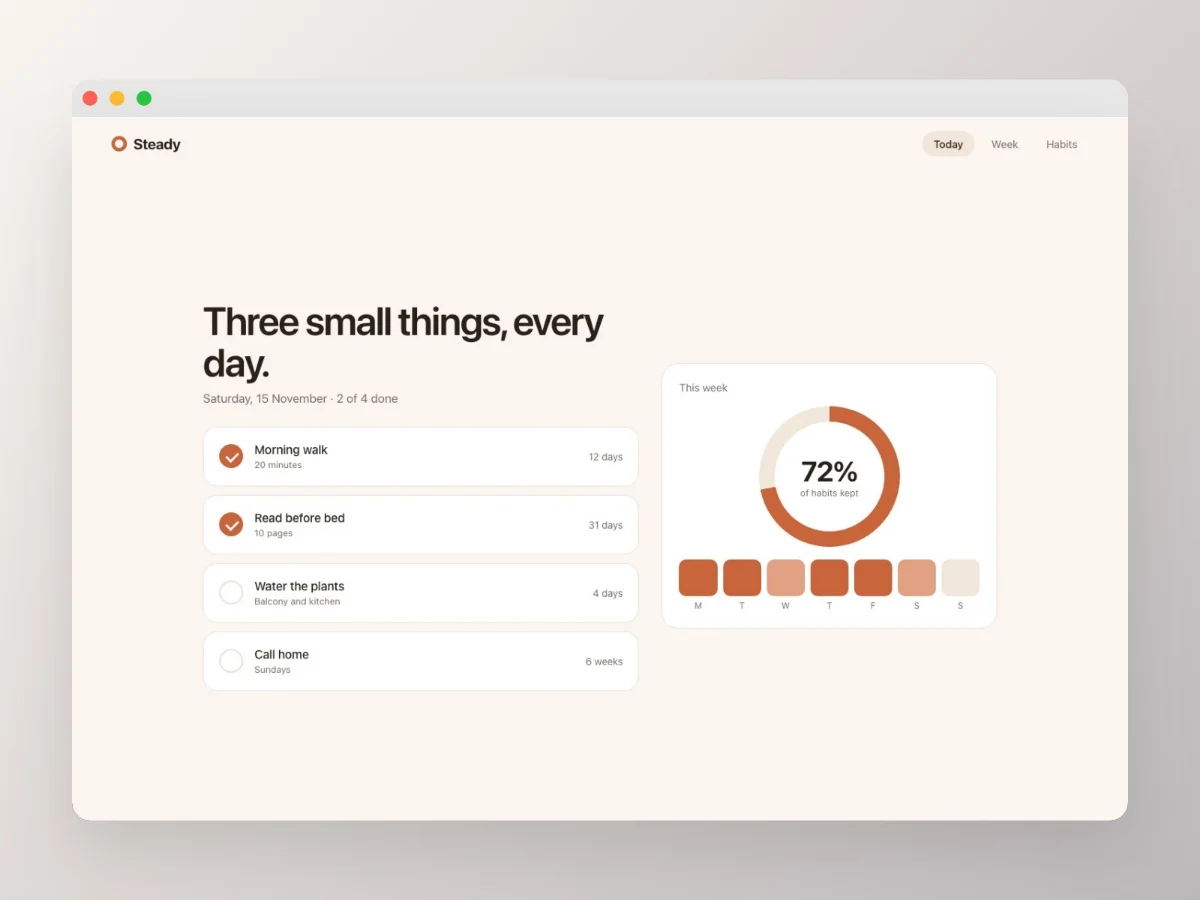
- macOS Light
- macOS Dark
- URL bar
Browser mockups that read instantly
Make it obvious you’re showing a real website, in one step.
Clean browser frames
A tidy macOS-style browser frame (light or dark) around your screenshot, so context is immediate.
Color-matched background
A background drawn from your screenshot’s own colors, so the mockup feels designed, not flat.
Sized for anywhere
Export at platform-exact sizes or a custom canvas, full resolution, in PNG, JPG, or WebP.
Questions
Drop your website screenshot into Popshot, pick a browser frame (light or dark), add a color-matched background, and export. Free, fast, and nothing is uploaded.
More ways to use Popshot
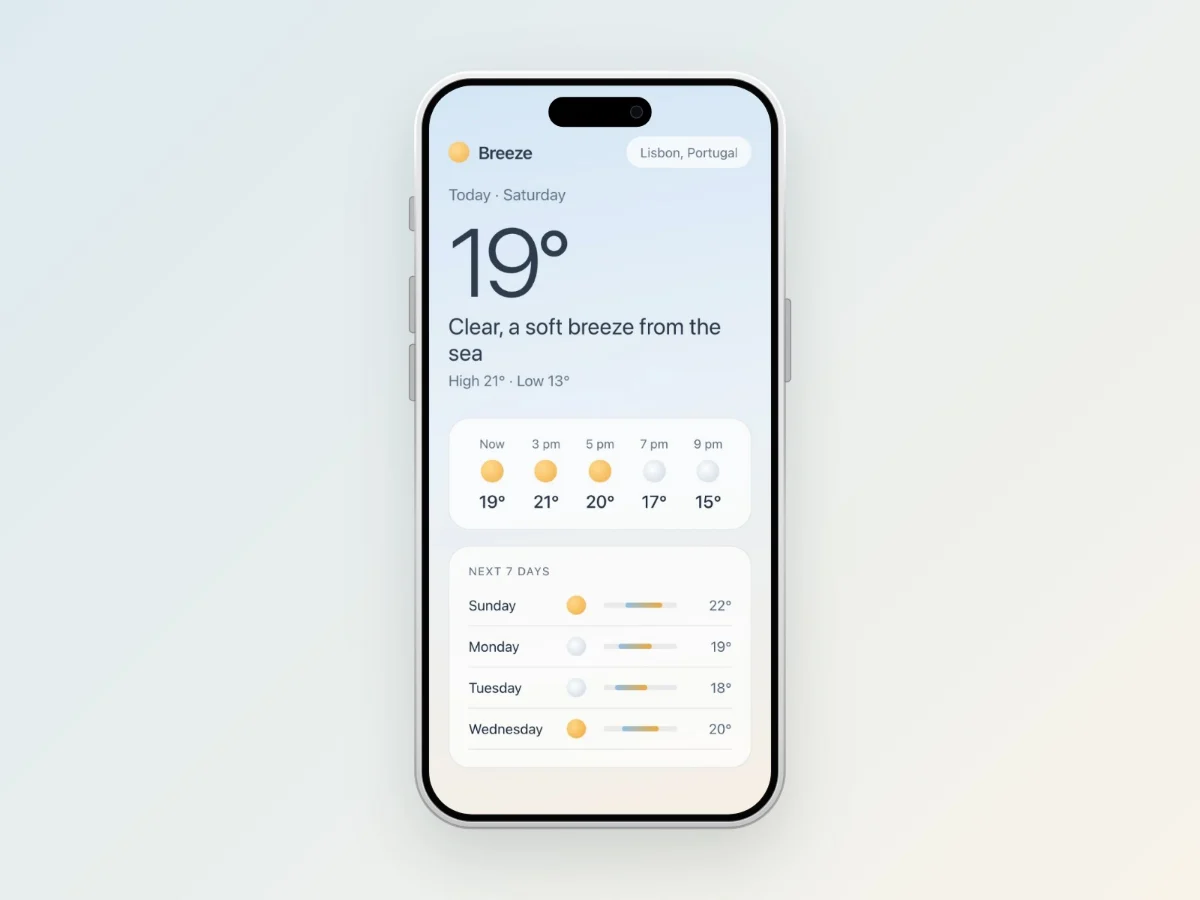
iPhone mockups
Wrap your screenshot in a clean iPhone frame with a color-matched background and platform-perfect sizing. No signup, nothing uploaded.
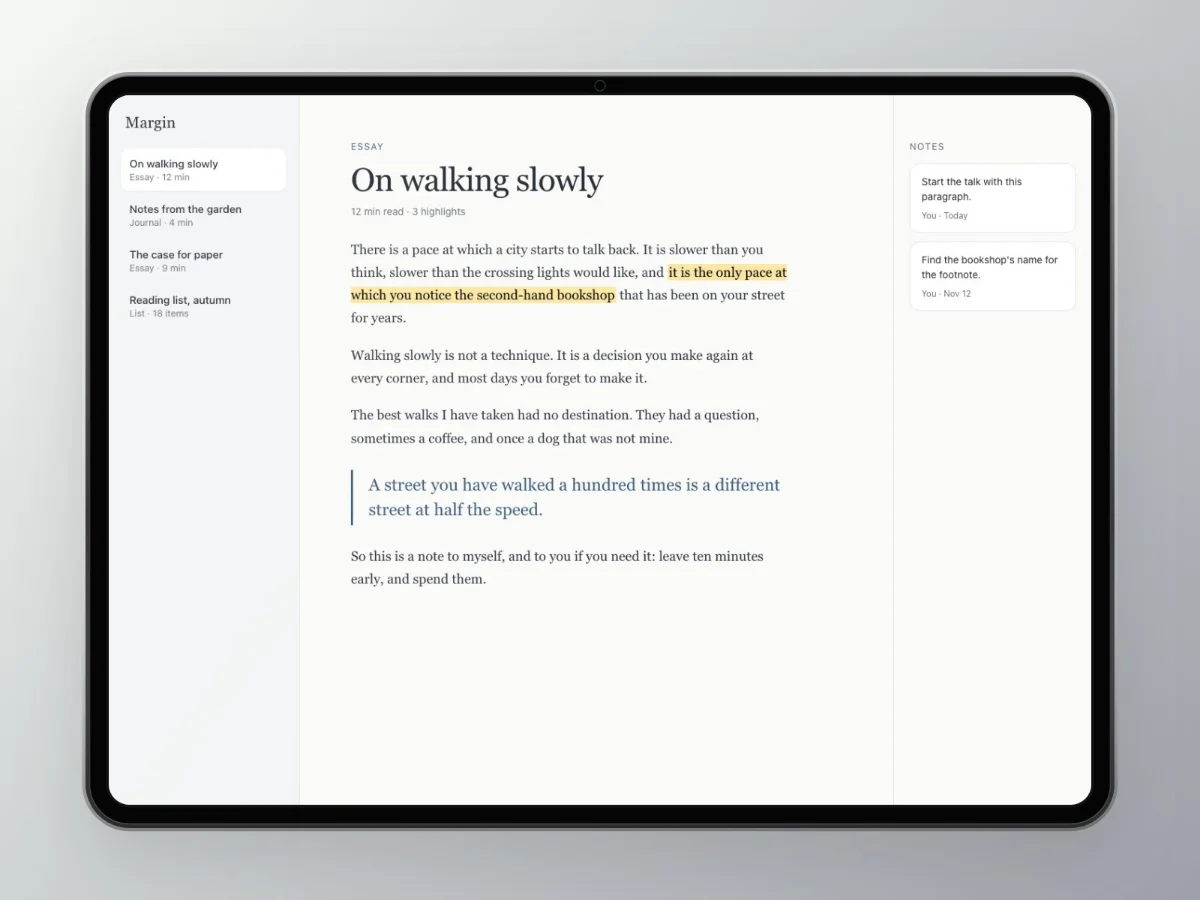
iPad mockups
Frame your screenshot in a clean iPad with a color-matched background and the right export size. Try it with no signup, and nothing leaves your browser.
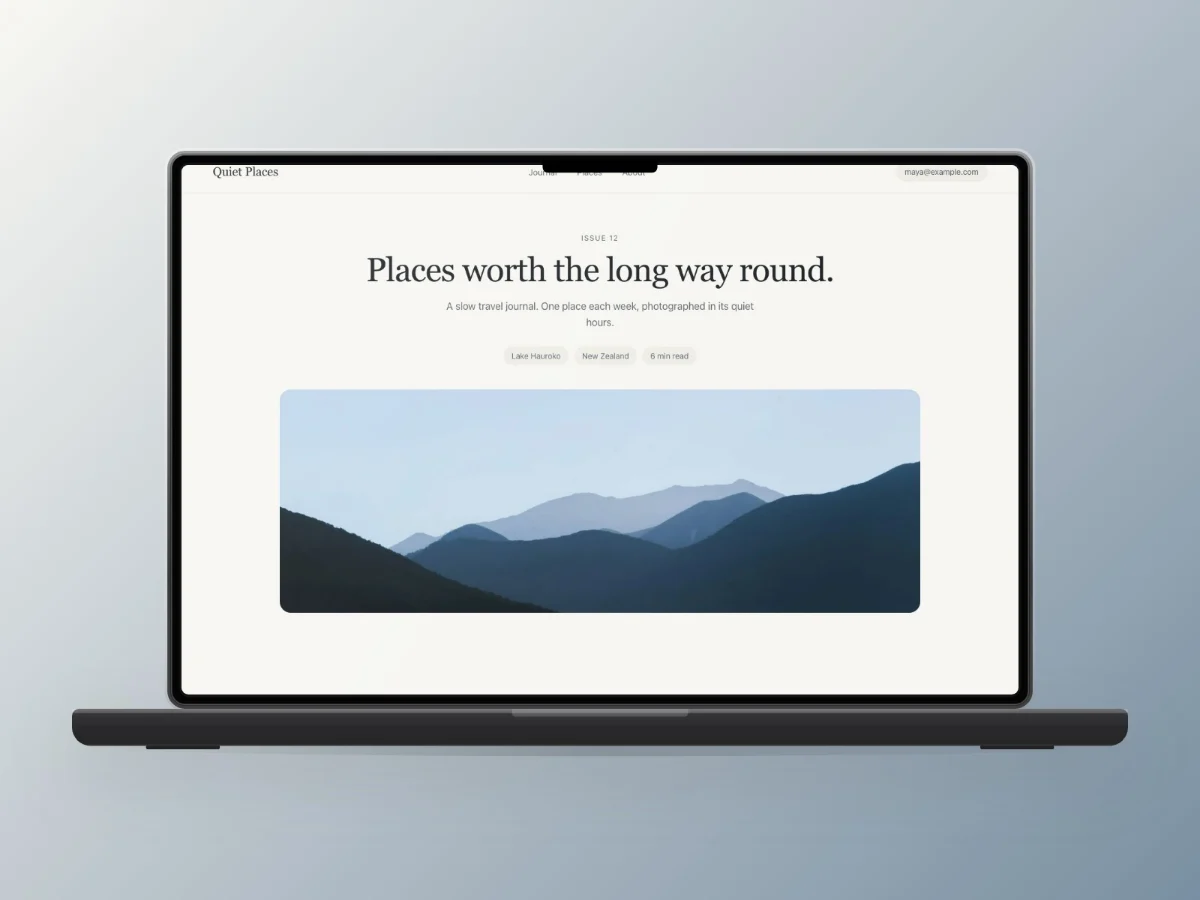
MacBook mockups
Put your screenshot in a clean MacBook frame with a color-matched background and platform-perfect sizing. No account, nothing uploaded.
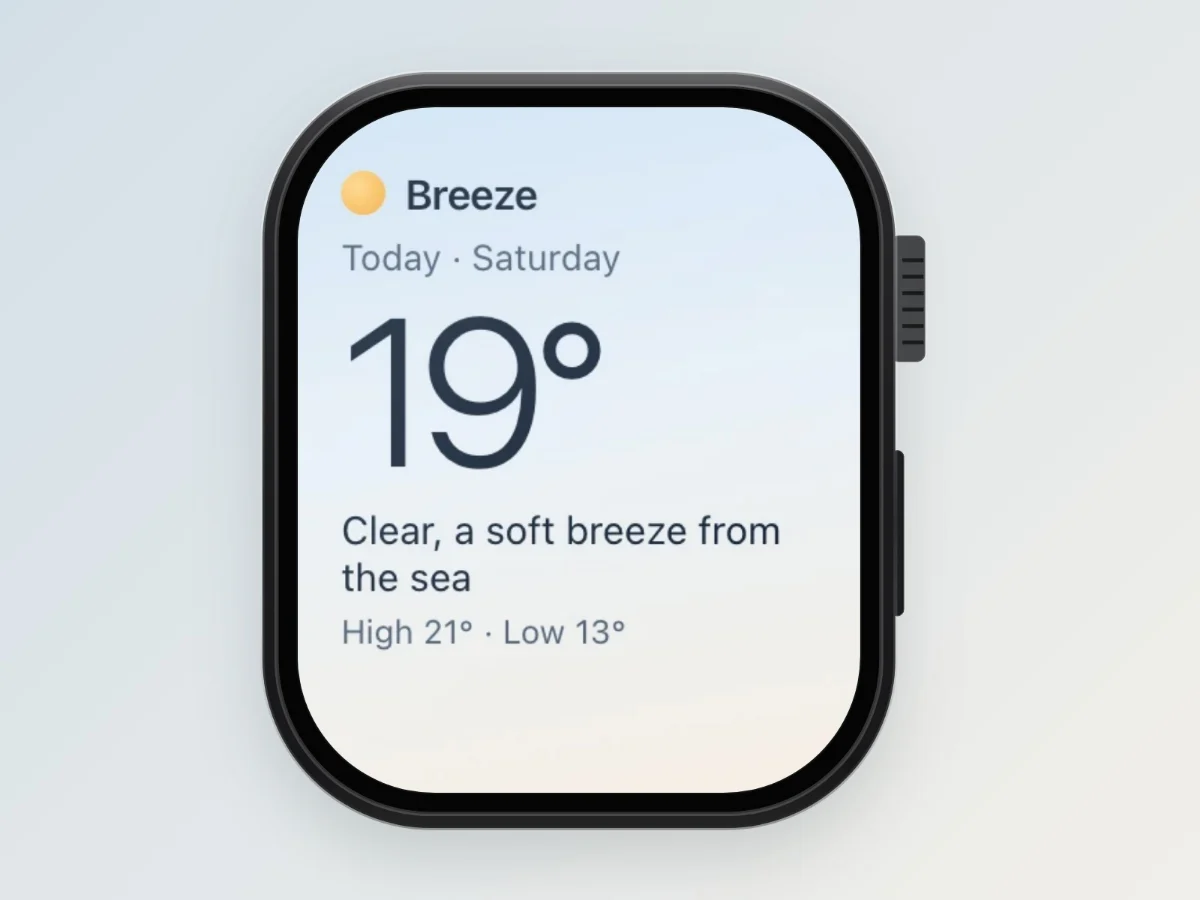
Apple Watch mockups
Wrap your screenshot in a clean Apple Watch frame with a color-matched background and platform-perfect sizing. No signup, nothing uploaded.
Wondering whether any of this actually matters? We read the research on presentation and credibility, including the widely quoted statistics that turn out to be wrong.