Dribbble shots
Beautiful Dribbble shots from a screenshot.
Frame your work in the exact 4:3 Dribbble size with a color-matched background and a clean device mockup. Nothing gets uploaded.
No signup to try · runs in your browser · Pro removes the watermark
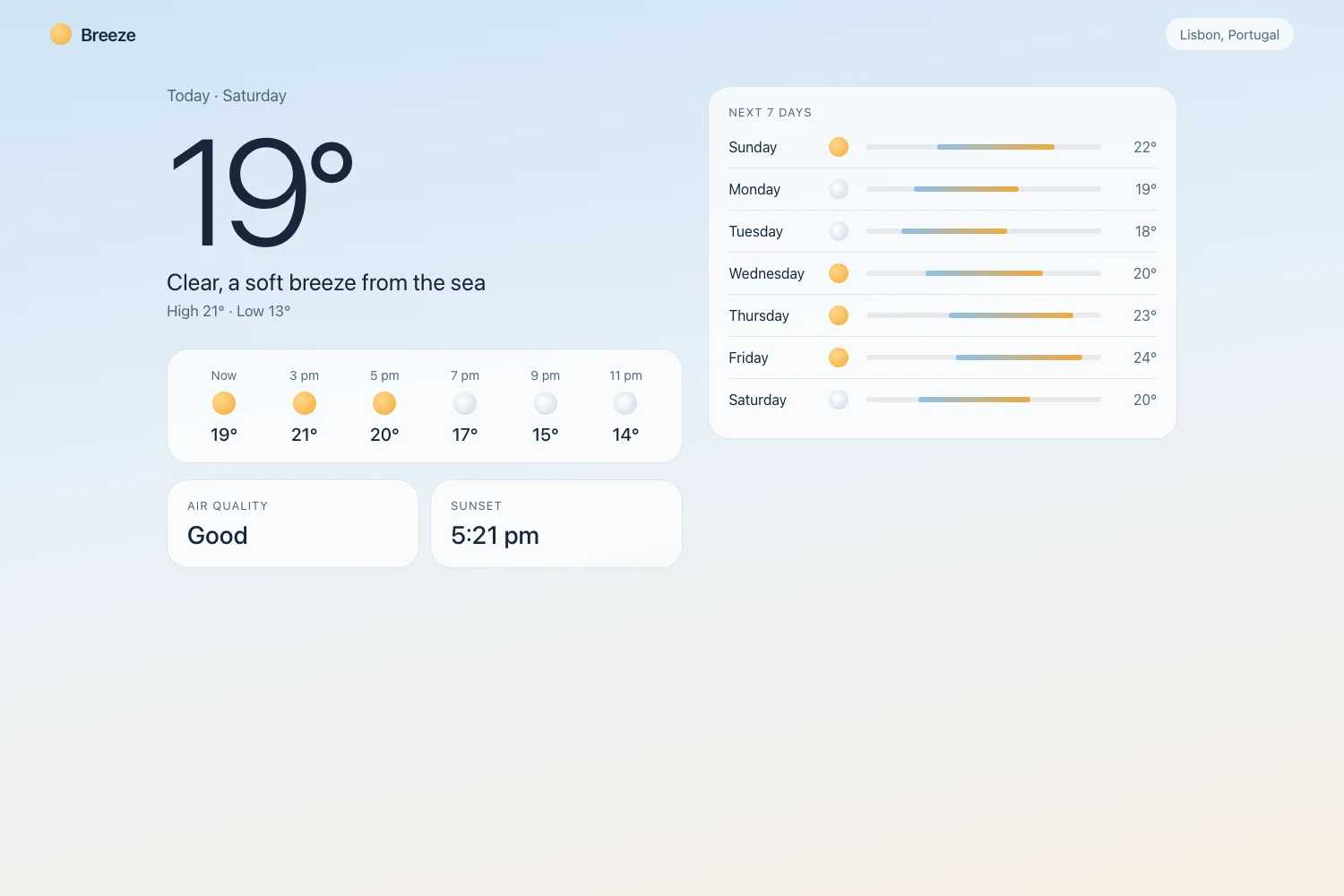
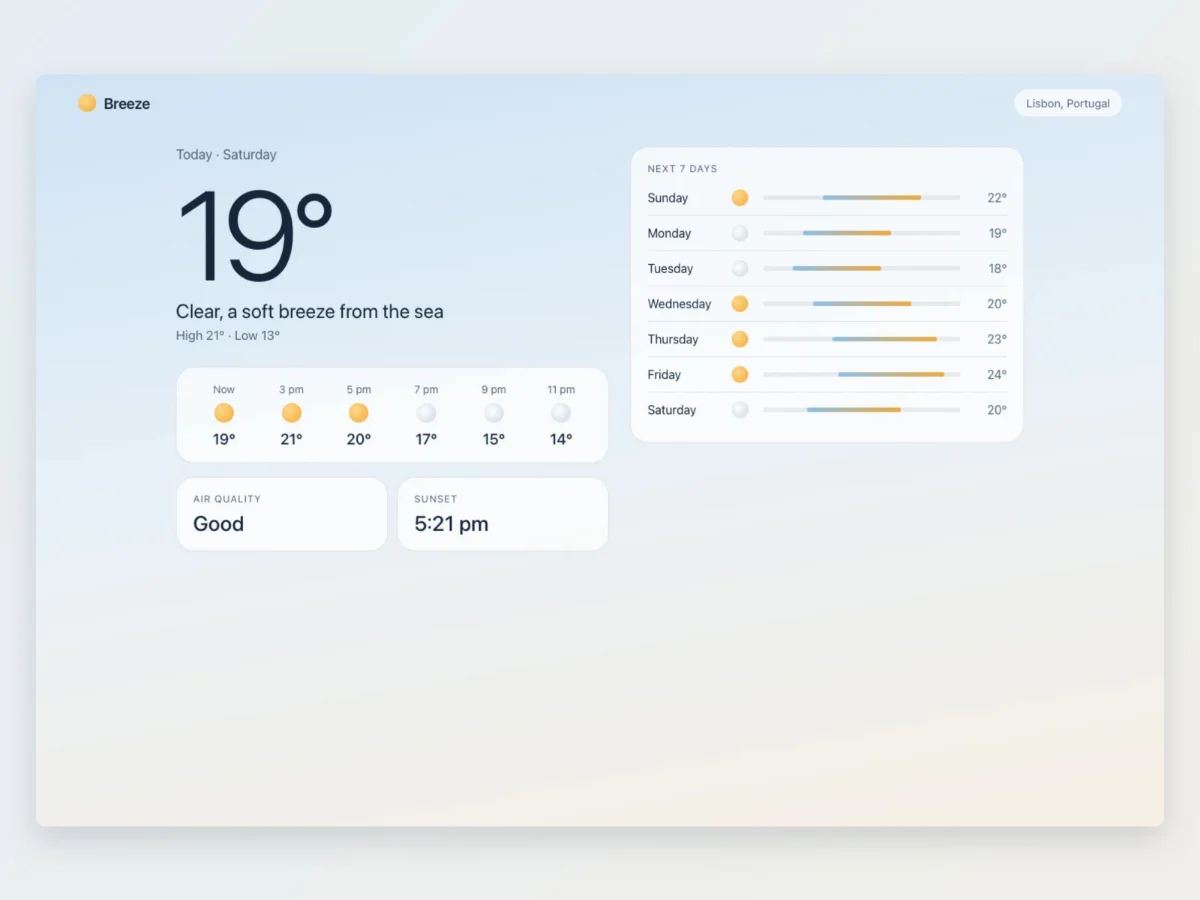
Present your work like a pro
The polish designers expect, without opening a design tool.
Exact 4:3 Dribbble size
The 1600×1200 shot ratio is a preset, so your work shows at the right dimensions with room to breathe.
Backgrounds that complement
A background drawn from your screenshot’s palette, or a subtle solid. Your shot stays the hero.
Device & browser frames
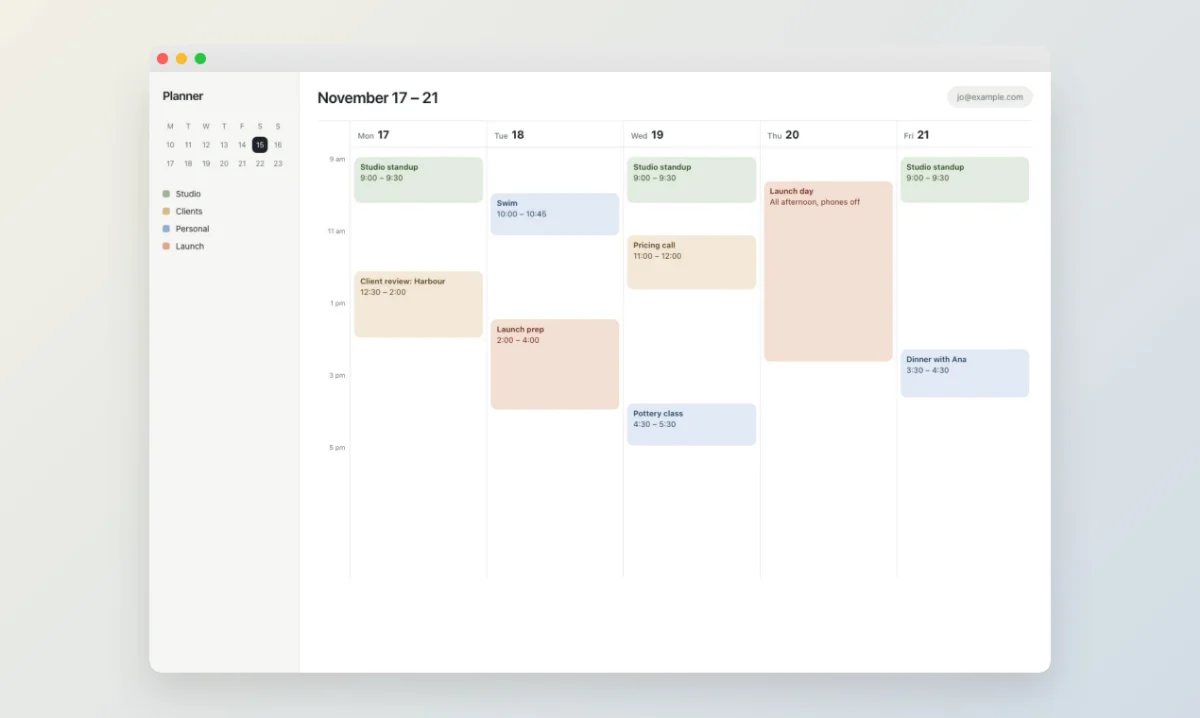
Show a UI inside a MacBook, iPhone, or browser frame so context reads instantly.
Questions
Dribbble shots are 4:3. Popshot uses 1600×1200 by default so your work displays crisp and correctly proportioned, built in as a preset.
More ways to use Popshot
Every platform size
Style a screenshot once and export it for LinkedIn, X, Instagram, Product Hunt and link previews in one download, each laid out for its size. Every size in one export is Pro; try the editor with no signup.
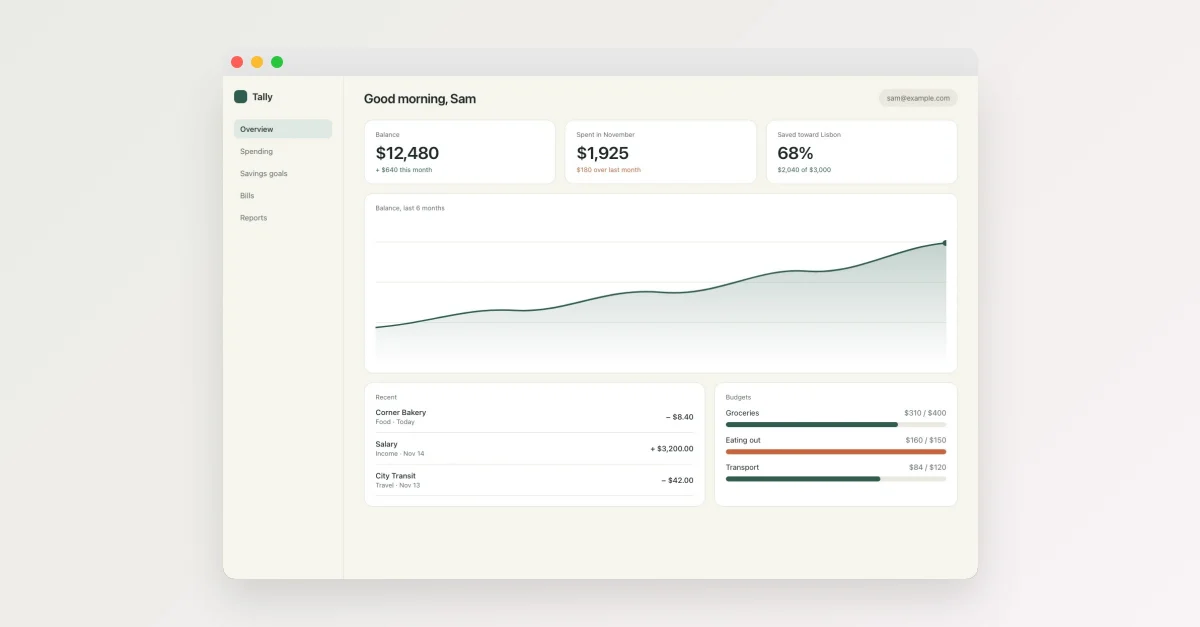
LinkedIn screenshots
Turn a raw screenshot into a clean, correctly-sized LinkedIn visual: color-matched background, tidy frame, no signup.
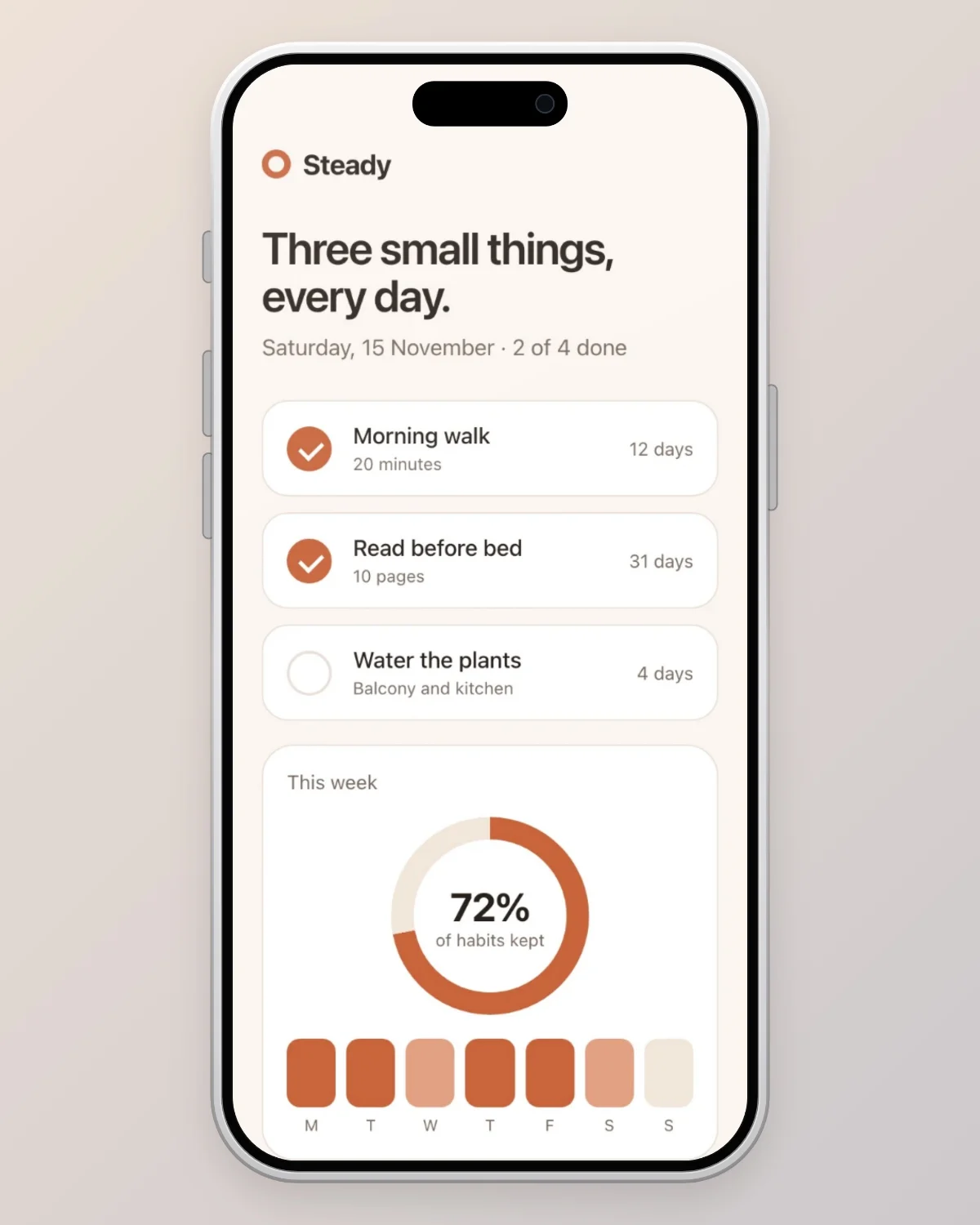
Instagram mockups
Drop in a screenshot and Popshot sizes it for a square post, a 4:5 portrait post or a story, with a background matched to your image and an optional phone frame. Try it with no signup.
Product Hunt gallery
Turn product screenshots into a consistent, gallery-ready set: right size, color-matched backgrounds, clean frames. Try it with no signup.
Wondering whether any of this actually matters? We read the research on presentation and credibility, including the widely quoted statistics that turn out to be wrong.