Changelog
What's new
Everything that shipped in Popshot, newest first. Changes marked with a star are part of Pro.
Last updated
November 2026
- A new homepage that opens on a finished export
- Switch language and light or dark mode from the editor menu, on desktop and phone
- Clearer hints and labels in dark mode
- A calmer sample screenshot to try the editor with
- The upgrade preview shows your own screenshot in the Pro frames, without the watermark
- Backgrounds have one swatch grid and hex field, the same on desktop and phone
- Every control shows a clear focus ring when you use the keyboard
- If the editor hits an error, one click reloads it with your work restored
- The Add color button in the gradient editor is no longer cut off
- On phone, tapping a Layout position that has no room now says why, with a one-tap switch to Fill
October 2026
- Align text annotations left, center or right
- Export for every platform now shows your saved sizes the moment the ZIP is ready Pro
- A Features page with every feature in one place, Free and Pro
- Nine new gradients that run from paper white into deep color
- Make your own gradient: drag to rebalance the colors, recolor any band, set the angle
- Share a look by link. It carries the styling, never your screenshot
- Place, select and nudge annotations with the keyboard
- New sizes: Pinterest Standard Pin, LinkedIn Portrait Post and Instagram Carousel at 3:4
- Rows in the size guide open the editor at that size
- Export one image for every platform size at once, as a ZIP Pro
- 4× export Pro
- Every gradient background is now free
- Match to image sits at the top of Background
- Brand kit has its own tab in the left panel
- The Blur tool has a Solid style: an opaque black bar
- Curved and double-headed arrows, and callout text Pro
- New annotation tools: ellipse, line, highlighter and numbered steps
- Crop without losing the original. Change your mind any time
- Annotations move with the screenshot, and Blur has a smooth style
- Spotlight and magnifier Pro
- Auto-balance trims uneven margins so the screenshot sits centered Pro
- My looks: save a style and apply it to the next screenshot
- Pick up where you left off: the editor offers to restore your last edit
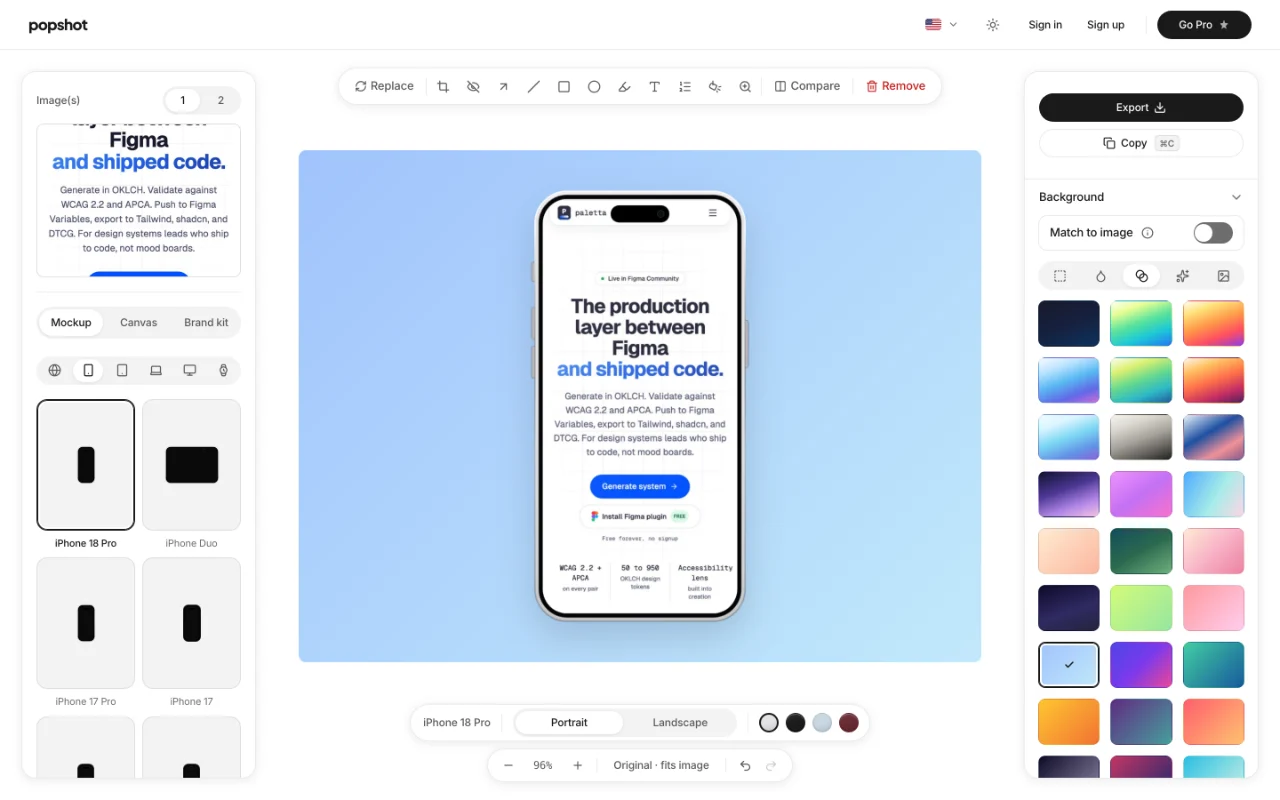
- New devices: iPhone 18 Pro, iPhone Duo, MacBook Neo, Pixel Watch 5 and Studio Display XDR
- Phones and tablets work in landscape, with more realistic lighting
- On mobile: undo and redo, and device mockups in their own tab
September 2026
- Custom canvas sizes never export smaller than the canvas